


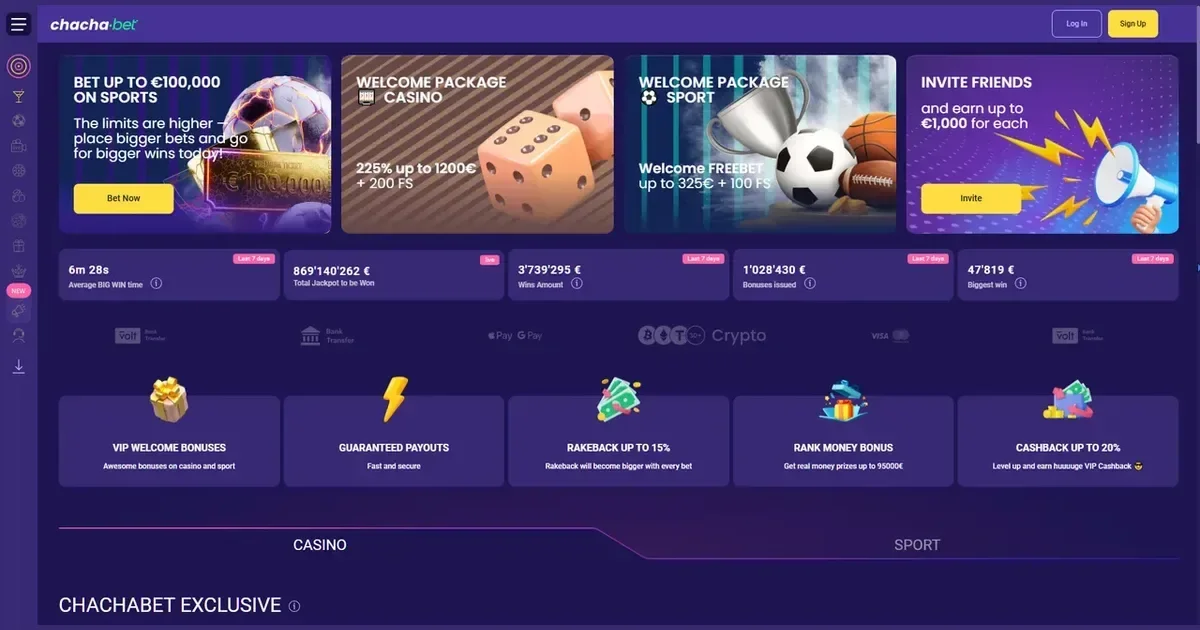
Your Chachabet account lives entirely on the operator's own site at chacha.bet — this portal publishes information about the service but has no access to accounts, cannot restore a password, and cannot unblock or verify any account. Everything to do with your account happens directly with the operator.
Account restrictions and what triggers them
Before working through a sign-in problem, it helps to know why access is refused in the first place. Some blocks are automatic; others follow a deliberate choice you made earlier.
| Cause | What it means |
|---|---|
| Unverified account | Identity documents have not been submitted or approved; full access is held until verification is complete |
| Self-exclusion in force | You requested a break from play for a set period; the account cannot be accessed until that period ends |
| Inactivity | Prolonged absence may place an account into a restricted state; the operator's support team can confirm the position |
| Regional restriction | Access from certain locations may be blocked at the operator level; a VPN does not resolve this and may make things worse |
If self-exclusion is the reason your account is closed, that block exists to protect you. The page does not explain how to get around it — if you need support, the contacts at the bottom of this page are the right place to start.
Signing in to Chachabet step by step
The sign-in process at Chachabet follows the standard route you will recognise from any account-based service.
- Open chacha.bet directly in your browser — type the address or use a saved bookmark.
- Locate the sign-in button on the operator's homepage and select it.
- Enter the e-mail address you used when you registered.
- Enter your password.
- Submit the form to reach your account.
If you do not yet have an account, registration is handled at chacha.bet — the operator manages that process, and this portal has no part in it.
Signing in on a phone
Chachabet offers dedicated apps for both iOS and Android, available to download directly from the operator's site. Once installed, you sign in with the same e-mail address and password as on desktop — there is no separate mobile account.
If you prefer not to use an app, the chacha.bet site works in a mobile browser too. The sign-in flow is the same either way: your credentials do not change between devices.
When sign-in does not work
Most sign-in failures come down to one of a small number of causes. Work through the list below before contacting support.
- Wrong e-mail address — try any other address you might have used at registration.
- Wrong password — check that Caps Lock is off and that a password manager has not filled the wrong saved entry.
- Unverified account — if you registered but never completed identity verification, the operator may be holding access until documents are submitted.
- Browser or session issue — clear your browser's cookies and cache, or try a different browser, before attempting to sign in again.
- Self-exclusion active — if you requested a break through the operator's responsible gambling tools, your account will be inaccessible for the duration you chose.
- Regional block — access from certain countries or territories is restricted at the operator level; a VPN will not resolve it.
Recovering a forgotten password
Use the password-reset option on the operator's sign-in page. Chachabet will send a reset link to the e-mail address registered on the account; follow that link to set a new password.
If you no longer have access to the e-mail address you used at registration, the reset link cannot reach you. In that case, contact the operator's support team directly — have any details you can recall about the account ready, such as the registered name or approximate date of sign-up, so they can confirm your identity.
Asking Chachabet for help
If the steps above have not resolved the problem, the operator's support team is the only party that can act on your account. Chachabet can be reached by e-mail at [email protected], and also through WhatsApp and Telegram.
Before writing in, have the following ready: the e-mail address on the account, an approximate time of when the problem started, and the exact message or error you are seeing on screen. That information lets the support team respond usefully in their first reply rather than asking follow-up questions.
This portal's own inbox at [email protected] handles questions about the content on these pages — it cannot access, modify or unblock any player account.
Keeping your access secure
A few habits make account access straightforwardly safe. Always reach chacha.bet by typing the address directly or using a bookmark you saved yourself — never through a link in an unsolicited e-mail or message. Use a password for this account that you use nowhere else.
On a shared or public device, sign out when you have finished. If other people use the same device, parental-control tools such as Net Nanny or Qustodio can prevent access to gambling sites entirely.
Responsible play
Gambling is entertainment, and keeping it that way starts with staying in control of your access. If you have placed a self-exclusion and are reconsidering it, speak to a support organisation before doing anything else.
- GamCare — National Gambling Helpline: 0808 8020 133 (free, 24/7)
- BeGambleAware — free, confidential support
- GamStop — free national self-exclusion across licensed sites
- Gamban — blocking software for devices
You must be 18 or over (18+) to hold an account.
This site is for players aged 18 and over (18+) only. If gambling ever stops feeling like entertainment, free and confidential help is available at BeGambleAware.org.